
A product listing with a static photo is a sign that says "look, but don't touch." A product video says "watch how this works in your life." In e-commerce, that difference shows up directly in your conversion rate.
The good news for sellers on Uzum, Amazon, Etsy or your own store: in 2026 you no longer need a studio or a product shoot to make professional product videos. One photo is enough.
Why Video Converts
- Motion holds attention: a moving product gets 2-3× more view time than a static image
- Context sells: buyers don't imagine a product in use; video shows it
- Trust builds: seeing the product from every angle reduces hesitation and returns
- Algorithms reward it: marketplaces and social platforms boost listings with video
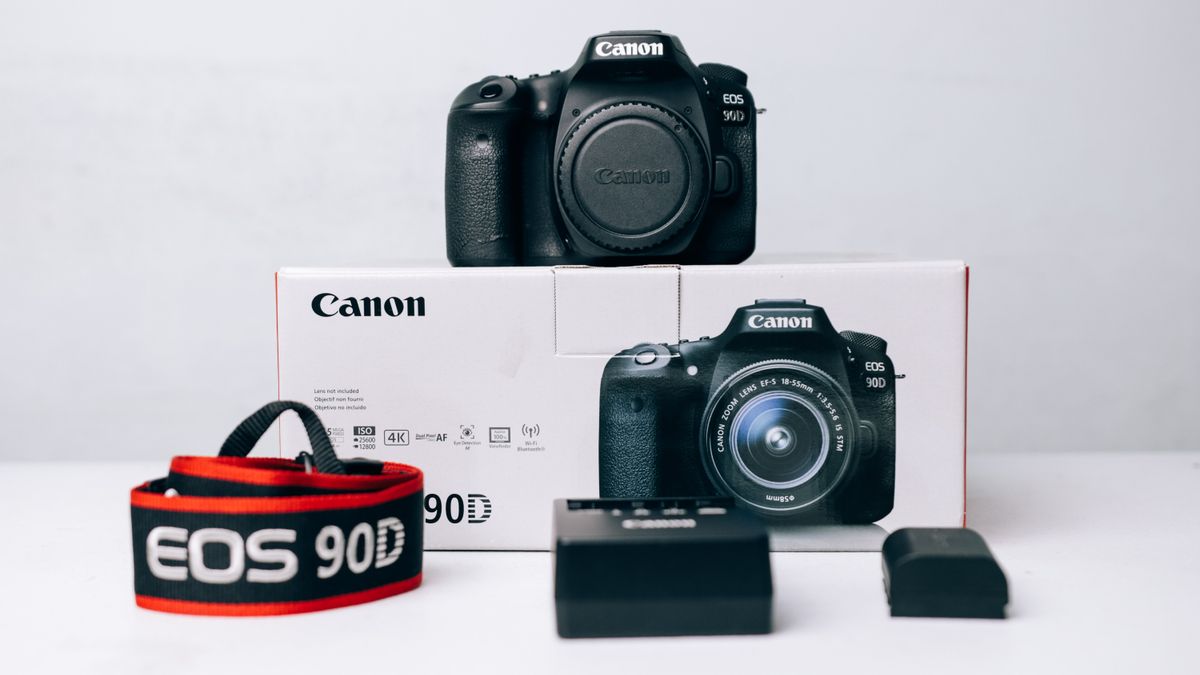
5 Product Videos You Can Make From One Photo
1. The Showcase
A slow cinematic camera move around the product: the universal "hero" clip. Prompt: "smooth 360 orbit, soft studio light, product in focus, dark premium background."
2. The Lifestyle Scene
Image-to-video places your product in a real context: a juice bottle on a summer table, a sneaker on wet neon asphalt, a bag on a café chair. The product stays identical; the world around it comes alive.
3. The Before/After
First/last frame mode turns one starting shot into a transformed final shot: packaging closing, liquid pouring, a room "after cleaning." KAMOD generates the transition between the two frames automatically.
4. The UGC Review
Upload the product photo into UGC Studio and get a creator-style review: a person talking to camera about the product, in Uzbek, Russian or English. Perfect for social ads and marketplaces that reward authentic content.
5. The Localized Version
Video Translate turns your finished video into 100+ languages while preserving the voice and lip sync: one master clip, every market you sell into.
What Marketplaces Want
| Platform | Best formats | Notes | |----------|-------------|-------| | Uzum / marketplaces | 1:1, 16:9 | Video in product cards lifts CTR | | Amazon | 16:9 (Main Video) | Upload to the video slot in listings | | Instagram / TikTok ads | 9:16 vertical | Native feed format | | Your website | 16:9 hero | First-frame autoplay |
The Workflow: Photo to Campaign in a Day
1. Shoot or source one clean photo of your product (white or simple background) 2. Build a reference board (~27 tokens) so the product stays consistent across every video 3. Generate the hero showcase (image-to-video, 5-10 sec) 4. Create 2-3 lifestyle scenes with different prompts 5. Add a UGC review via UGC Studio 6. Localize the best clips for your export markets

Real Numbers From Real Workflows
- One photo → 5 video types: $3-15 total on KAMOD
- Traditional product shoot for the same content: $500-3,000
- Time: one afternoon vs two weeks
- Result: a listing that moves, a feed that scrolls, a market that sees motion
Rules That Keep Videos Selling
1. First frame matters most: marketplace players autoplay muted. Make frame one sell the product. 2. Keep clips short: 5-15 seconds for social, up to 30 for marketplace slots 3. Show scale: include a hand, a coin, or a standard object so buyers understand size 4. Consistent product: use a reference board so the bottle, box or sneaker looks identical in every clip 5. Sound off, captions on: most mobile viewing is muted
Start With One Product
Pick your best seller. Take one photo. Generate a showcase, a lifestyle clip and a UGC review. The whole bundle costs less than a lunch meeting with an agency, and you will see the conversion data within a week.
AI video has removed the biggest barrier between a small store and a big brand: production. [Start with 200 free tokens](https://kamod.io) and turn one photo into a video library today.
FAQ
Do product videos really increase sales?
Yes. Product listings with video consistently convert better than static photos. Marketplace data shows lifts of 20-90% depending on category and platform. Video also reduces returns by setting clearer expectations.
What product videos can AI create from one photo?
Showcase clips, 360-style rotation, lifestyle scenes, before/after transitions, UGC reviews and localized versions, all from a single product photo using image-to-video, first/last frame and UGC tools.
Which formats do marketplaces need?
Uzum, Amazon and most marketplaces accept 9:16 vertical, 1:1 square and 16:9 horizontal. Vertical dominates social feeds; square works best inside product cards. AI tools export all three from one master clip.