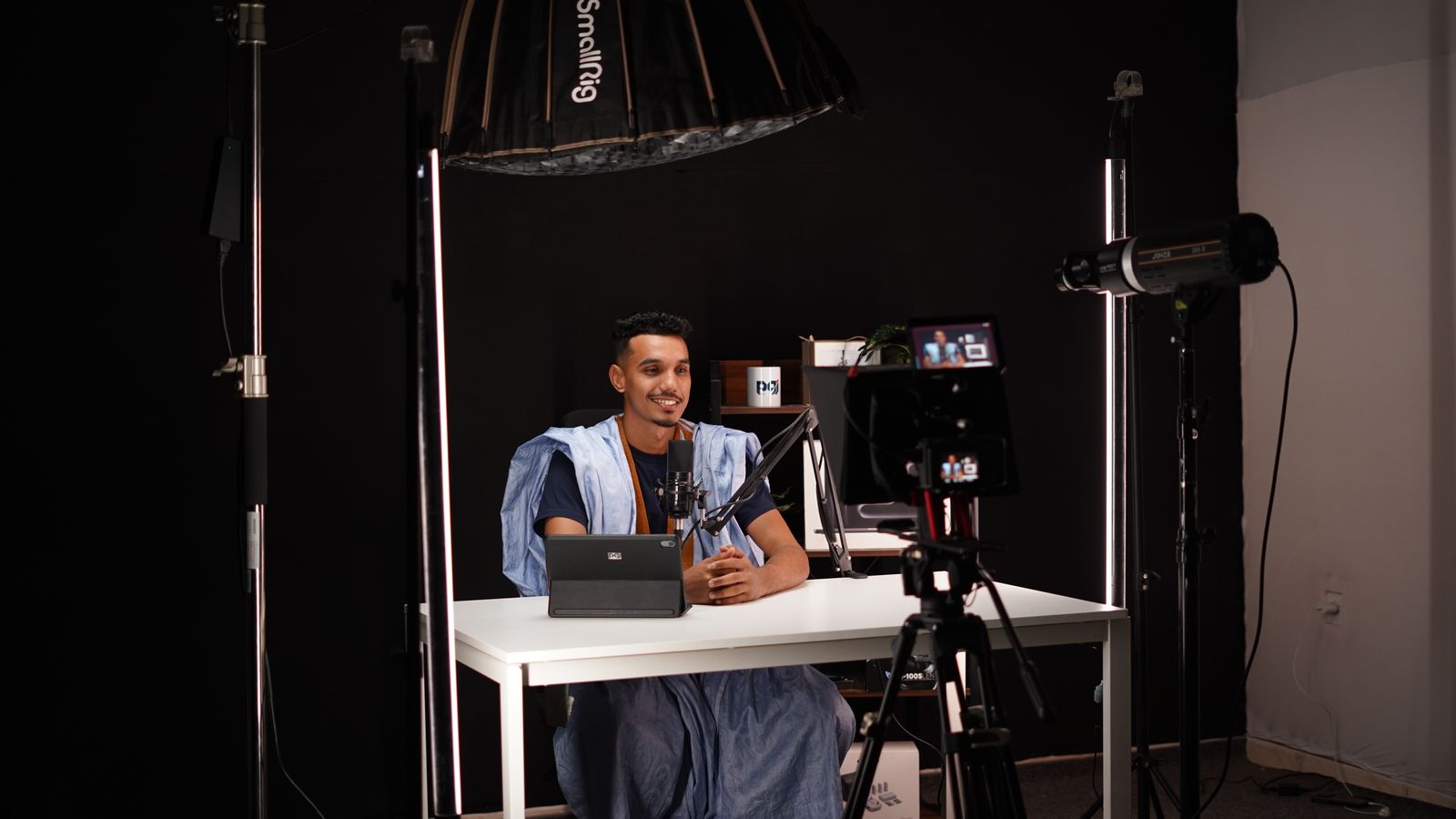
Course teams rarely lose money on the first recording. They lose it on the fourth update. A 40-module programme gets shot over three weekends, goes live, sells well, and then the pricing slide in Module 7 becomes wrong. Someone books the room, the instructor buys the same shirt, the lighting is roughly matched, the edit takes two days, the captions get re-timed, the upload breaks the chapter markers, and a week later the course is current again — for about a quarter, until the tool screenshots change too.
That maintenance loop, not the shoot, is what decides whether a course stays good. AI production helps with it, but only when the modules are built in a shape that can be repaired. This is what we have learned producing course video from Tashkent for teams selling in English, Russian and Uzbek.
Why course video decays faster than the syllabus
A course outline can survive three years. The footage inside it often cannot. Tool interfaces ship monthly, prices move, regulations change, and the instructor's own examples age. Every one of those edits lands on the video, and video is the most expensive asset in the course to change — not because re-recording is hard, but because a re-record drags a studio, a wardrobe, a lighting match, an edit, a caption pass and an upload behind it.
The second decay is quieter: consistency. Learners notice when Module 5 sounds different from Module 4 — different room tone, different microphone, different colour, a presenter who suddenly sits closer to the lens. They cannot name it, but attention drops. On one 12-module course we audited, average watch time fell 22 percent at exactly the module that had been re-shot six months after the rest.
What an AI production pass actually improves
Being specific matters here, because the honest list is shorter than the sales list.
It is genuinely strong at the material that is expensive to shoot and cheap to discard: b-roll of a workspace, an abstract diagram of a process, a transition between two ideas, a visual metaphor for a concept that has no physical form, a title sequence that resets each module. It is also strong at volume — 40 short intros where a real presenter would need 40 setups — and at language variants, where a second and third voice track would otherwise mean a second and third recording day.
It is weak at exactly the things a course is sold on. Explaining a difficult idea in your own words, reacting to a student's confusion, the small hesitation that makes an instructor believable, a physical demonstration where finger position matters. No generated presenter has yet carried a 40-minute lesson. Used for a 20-second recap it is fine. Used as the whole course, learners notice within a module and refund.
The module shape that survives contact with students
The format decisions that matter are boring, and they are made before generation, not after.
Split a 7-minute lesson into three or four segments of 90 to 120 seconds, each carrying one idea with a stated conclusion. Write narration in spoken sentences of 12 to 18 words and read it aloud before approving it — a script that reads well silently usually runs 15 percent long when voiced, and the edit pays for it. Change the visual at least every 10 seconds, but not faster than every 4: an unchanging slide loses people, a cut every second exhausts them.
Keep on-screen text at 40 pixels or larger in a 1080p frame. Most learners watch on a phone at 360 points wide, where smaller type becomes texture. Never bake text into the picture. It belongs on a separate layer, so a price change means re-rendering one graphic rather than a whole segment. Deliver captions twice: burned in for social cut-downs, as a sidecar file for the LMS.
Normalise dialogue to around minus 16 LUFS and hold it there across the course. Level jumps between modules are the most common quality complaint we hear, and they are free to fix at mix stage and expensive to fix later.
Real presenter, avatar, or neither
Both work, in different jobs. A real instructor on camera is what sells the course. A generated presenter is what keeps it maintainable.
Use a generated presenter for the syllabus overview, the weekly recap, the what-changed note in a new version, internal compliance modules, and the second and third language of an existing module. Use the real instructor for the first lesson, the hardest concept, and anything where tone carries the meaning. A mixed course — real face at the front, generated continuity between — reads as deliberate rather than cheap, provided the two are matched in framing, colour and audio.
If you do use an avatar, respect its limits. Lock the shot to a medium framing, keep takes under 40 seconds and reset between them, keep hands away from the face, and avoid profile angles where the mouth is half hidden. Plosives on P and B will give it away before anything else does, so de-ess and de-plosive the voice track properly.
And get the consent in writing. Using an instructor's likeness means agreeing scope: which courses, for how long, in which territories, and how it is withdrawn when they leave. That clause is easier to sign at the start than to negotiate later.
Sequence: audio first, then picture, then translation
Record the voice track before anything is generated. It fixes the timing, the pauses and the emphasis, and every visual then conforms to a real performance instead of to a guess. Record at 48 kHz in a treated room even if the final mix is 44.1; the headroom costs nothing.
Translation is where timing breaks. A Russian read of an English script typically runs 5 to 15 percent longer; Uzbek often lands shorter and more clipped. Build 8 percent of slack into every segment before translation, keep on-screen text as editable layers per language, and commission a separate caption file rather than translating the English one. Machine translation of a technical script without a glossary produces confident nonsense, so build a term list of 20 to 40 words per course and give it to whoever or whatever does the translation.
Updating a module without re-shooting it
The repair workflow is the whole argument for this approach, so build for it from day one.
Keep the project segmented per lesson, never as one long timeline. Keep a style sheet — fonts, accent colour, lower-third position, music bed, transitions — so a regenerated segment can be matched months later by someone who was not on the original. Name versions by date and lesson number. Then schedule a quarterly review against the actual product, not against the syllabus.
When Module 7's pricing changes, the fix is this: rewrite 40 seconds of narration, regenerate the two visuals that carry the numbers, re-record the voice-over on the same microphone, re-render the segments, re-issue the caption file. That is an afternoon, not a weekend, and the rest of the course does not move.
What it costs and how long it takes
A traditional shoot for a 10-module course of 60 finished minutes needs two to three shoot days, a week of edit and a caption pass: roughly three to five weeks including review. An AI-assisted build of the same course, where the instructor records audio and a limited amount of on-camera material, typically lands in the same window for the first version but compresses sharply afterwards. Updates and additional languages cost a fraction of a re-shoot.
Two review rounds is realistic. Three means the script was not agreed. Budget a day per round for a 10-module course, and expect the first round to be about structure and the second about detail.
If you are planning a course and want to see whether this shape fits your material, send a module list and one existing script. We will build a single test lesson from it and show you the finished segment before you commit to the whole programme.