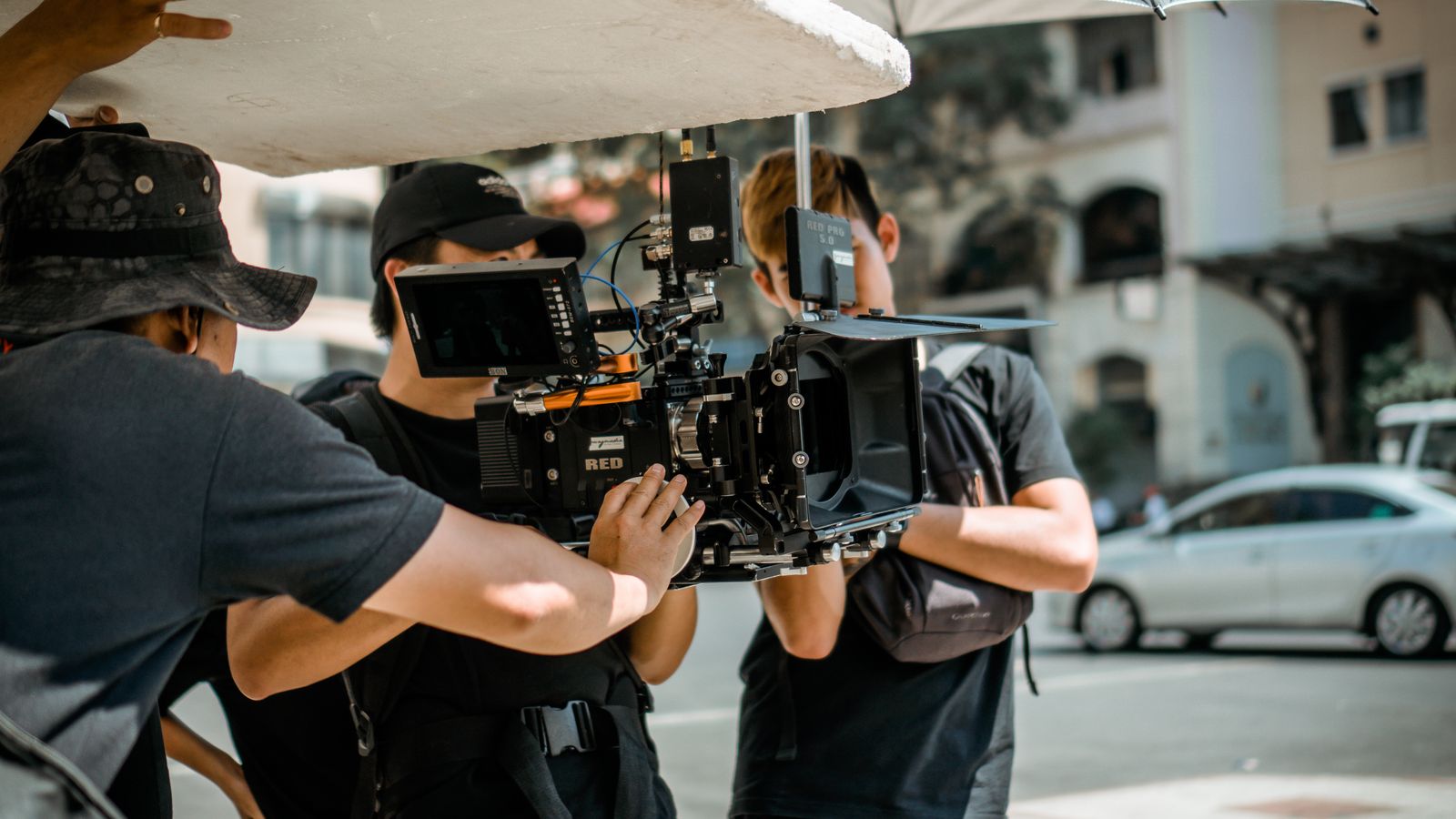
Your competitor just launched a video campaign that looks like it cost $100,000. Cinematic shots, perfect lighting, seamless transitions. You know their budget was maybe $500.
How? AI video production.
And here's what nobody in Uzbekistan is telling you: the same tools that Hollywood studios and London agencies are using right now are available to you. Today. In Tashkent. In Samarkand. In Fergana.
This guide will show you exactly how brands and agencies in Uzbekistan can use AI to produce professional video content — without crews, without equipment, without waiting weeks for delivery.
What Is AI Video Production?
AI video production uses artificial intelligence to generate video content from text descriptions, images, or reference footage. Instead of hiring a crew, renting equipment, and spending days on set, you describe what you want and the AI creates it.
But let's be clear: this isn't about replacing filmmakers. It's about giving every brand and agency access to production capabilities that were previously reserved for companies with massive budgets.
What AI Can Do Right Now (2026)
- Generate 5-30 second cinematic clips from text descriptions
- Create product videos from a single photo
- Build storyboards and shot breakdowns automatically
- Produce UGC-style ads (lifestyle, review, testimonial formats)
- Generate voiceovers in multiple languages including Uzbek and Russian
- Create music and sound effects
- Upscale and enhance existing footage to 4K
What AI Cannot Do (Yet)
- Generate long-form content (full commercials over 60 seconds)
- Perfectly replicate specific people or faces (ethical and legal limits)
- Replace creative direction — you still need someone with a vision
- Work without good prompts — garbage in, garbage out
The Uzbekistan Opportunity
Uzbekistan's advertising market is growing fast. Brands are investing more in digital content, agencies are competing for clients, and social media consumption is exploding.
But there's a gap: production quality.
Most local agencies are still producing content with basic equipment, limited post-production, and tight budgets. Meanwhile, international competitors are using AI to create content that looks like it was produced by a full studio.
The opportunity is clear: Uzbek agencies and brands that adopt AI video production now will have a massive competitive advantage. Not just in quality, but in speed and cost.
Cost Comparison
| Production Type | Traditional | AI-Assisted | Savings | |----------------|-------------|-------------|---------| | 30-sec product video | $3,000-10,000 | $50-200 | 95%+ | | Social media content (10 posts) | $2,000-5,000 | $100-300 | 90%+ | | Brand anthem video | $15,000-50,000 | $500-2,000 | 90%+ | | UGC-style ad campaign | $5,000-15,000 | $200-500 | 95%+ |
Costs based on typical Uzbek market rates for traditional production vs. AI tools like KAMOD AI, Runway, or Kling.
Step-by-Step: How to Produce AI Video Content
Step 1: Define Your Creative Brief
Before you touch any AI tool, answer these questions:
- What's the message? (One clear idea per video)
- Who's the audience? (Age, interests, platform)
- What's the visual style? (Cinematic, casual, corporate, artistic)
- Where will it run? (Instagram, TikTok, YouTube, TV, website)
- What's the call to action? (Visit site, buy product, learn more)
Pro tip: The more specific your brief, the better the AI output. "Make a cool video" produces garbage. "A 15-second Instagram Reel showing a luxury watch on a marble table, slow camera push-in, golden hour lighting, cinematic" produces something amazing.
Step 2: Create Your Storyboard
This is where most AI video projects go wrong. People jump straight to generating video without planning the shots.
A good storyboard for a 30-second video looks like this:
1. Opening shot (3-5 sec): Hook the viewer 2. Problem/desire (5-8 sec): What does the audience want? 3. Solution (8-12 sec): Your product/service delivers 4. Call to action (3-5 sec): What to do next
For each shot, specify:
- Camera angle
- Camera movement
- Lighting
- Mood
Tools like KAMOD AI's Director Mode can generate this breakdown automatically from a simple description. But understanding the structure yourself makes you a better creative director.
Step 3: Generate Your Video Clips
Now you're ready to generate. Here's what to expect:
Text-to-Video: Describe a scene, get a 5-10 second clip. Best for establishing shots, product reveals, and atmospheric moments.
Image-to-Video: Upload a photo (product, location, person) and the AI animates it. Best for product videos, before/after transformations, and bringing still images to life.
Best practices for prompts
- Be specific about camera: "slow dolly push-in" beats "camera moves closer"
- Specify lighting: "golden hour backlight" beats "nice lighting"
- Include film references: "shot on 35mm film, Blade Runner aesthetic"
- Mention quality: "cinematic, 4K, professional color grading"
Step 4: Edit and Assemble
AI generates clips, not finished videos. You still need to:
- Cut clips to length
- Add music and sound effects
- Insert text overlays and logos
- Color grade for consistency
- Export in the right format for each platform
Tools like CapCut, DaVinci Resolve (free), or Adobe Premiere work perfectly for this step.
Step 5: Test and Iterate
The beauty of AI video: iteration is cheap. Traditional production charges per reshoot. AI charges per generation (usually a few cents to a few dollars).
Generate 5-10 versions of each shot. Pick the best one. If something isn't working, regenerate with a tweaked prompt. This iterative process is how you get from "decent AI video" to "how did they make that?"
Use Cases for Uzbek Brands
E-Commerce Product Videos
Uzbek e-commerce is booming, but most product listings have static photos. AI can generate 360-degree product rotations, lifestyle context, and size demonstrations. Cost: $10-30 per product video vs. $500+ traditional
Restaurant and Hospitality
Uzbekistan's tourism industry is growing. Restaurants and hotels need food presentation videos, ambiance clips, and room tours. Cost: $50-100 per video vs. $2,000+ with a crew
Real Estate
Tashkent's real estate market is hot. Developers and agents need property showcase videos, neighborhood atmosphere clips, and virtual staging. Cost: $30-80 per property vs. $1,500+ traditional
Fashion and Beauty
Uzbek fashion is having a moment. Local brands need lookbook videos, product close-ups with movement, and seasonal collection launches. Cost: $20-50 per look vs. $3,000+ photoshoot/video
Tourism and Culture
Uzbekistan's heritage sites deserve cinematic treatment: destination promotional videos, cultural event highlights, and heritage site virtual tours. Cost: $100-300 per video vs. $10,000+ documentary-style production
Choosing the Right AI Video Tool
Not all AI video tools are equal. Look for: 1. Multiple model access: Different models excel at different things. 2. Storyboard workflow: Pre-visualization before generation. 3. Image-to-video: Essential for product content. 4. Multilingual support: If you're working in Uzbek/Russian markets.
Our recommendation: Start with KAMOD AI. If you need specific capabilities, combine tools — use KAMOD for storyboards and direction, another tool for specific clip generation.
Getting Started Today
Get started this week
1. Sign up for KAMOD AI (kamod.io) 2. Pick one product or service 3. Write a creative brief 4. Generate your first AI video 5. Post it on Instagram
The brands and agencies that adopt this technology now will dominate their markets in 2-3 years. The ones that wait will be playing catch-up.
Uzbekistan has a unique advantage: a young, tech-savvy population, growing digital infrastructure, and a creative culture that's hungry for new tools.
The only question is: will you use them?