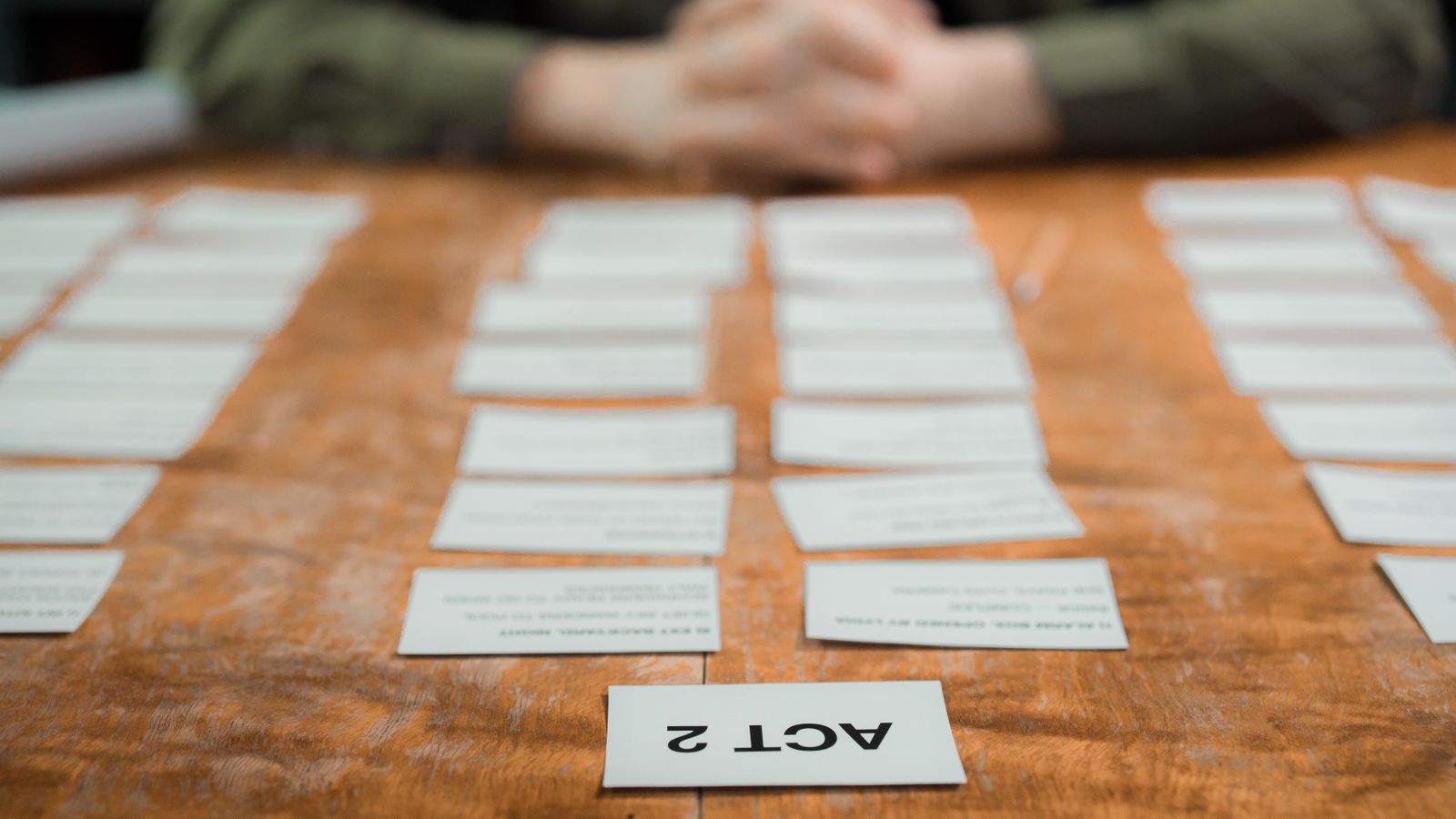
Every video project begins as a still image. A scribble on paper, a frame paused from a reference film, a mood board you keep adding to. Long before anyone books a camera, the piece is already decided in pictures.
That is why the release of ChatGPT Images 2.5 on September 8, 2026 matters more to video teams than the average model update. Not because the images look prettier, but because the four things OpenAI improved are the four things that slow pre-production down.
Here is what changed, and where it actually fits in a production pipeline.
What OpenAI announced
To set the scale first: people now create more than 3 billion images every week across ChatGPT Images and the GPT-Image models in the API. Images 2.5 sits on top of that as the new state-of-the-art model, and OpenAI describes four concrete improvements over Images 2.0:
- Up to 50% lower generation latency
- More natural lighting and richer textures
- More precise editing that changes only what you asked for
- Better multi-turn consistency, so earlier edits survive later ones
There are new ChatGPT features alongside the model. Sketch lets you draw directly inside ChatGPT and use that drawing as a reference for the final image (type @Sketch to try it). Templates give you a structure to start from for common formats like posters and merch. You can now place comments directly on an image to make edits more focused, and you can share the prompt with an image so a colleague or client can make their own version with different details.
For developers, two models replace the previous generation. GPT-Image-2.5 Flare is the default: the same quality, editing and speed gains, higher-quality output than GPT-Image-2 at 50% lower latency, built for high-volume generation and rapid prototyping. GPT-Image-2.5 Sunburst takes longer but gives tighter control across edits, aimed at production-ready campaign creative and polished product imagery.
Images 2.5 is rolling out to ChatGPT, ChatGPT Work and Codex users across all tiers on desktop, mobile and web.
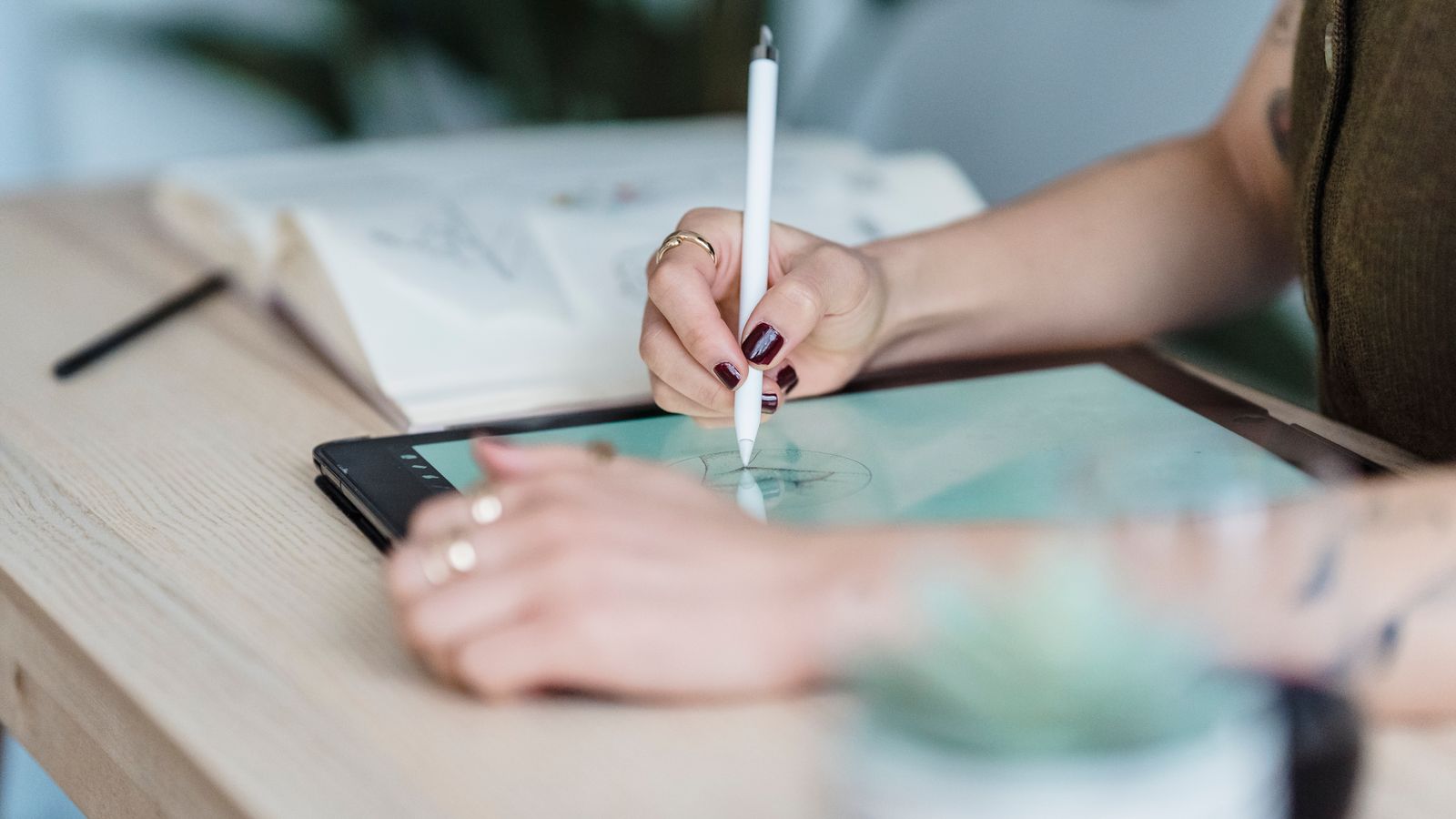
Why lower latency changes how you work
Half the generation time sounds like a convenience. In practice it changes the shape of pre-production.
Concept work is an iteration loop, and the loop is where projects die. Every extra minute between idea and image is a minute you spend not trying the third or tenth option, and the tenth option is usually the good one. When a frame comes back in seconds instead of a minute, you stop rationing your ideas. You test the strange composition. You try the version that probably will not work, and occasionally it is the best thing in the film.
Faster generation also makes review meetings different. Instead of showing three frames you already committed to, you can generate options live while the client is talking and follow the conversation in real time.
Reference photos keep your actual subject
The most useful images are anchored to something real: a product, a location, a person, a brand asset. Images 2.5 is noticeably better at working from reference photos, transforming a familiar subject into new settings, styles and compositions while keeping it recognizable.
For commercial work this is the difference between a mood and a mockup. If your client sells a specific bottle, a specific car, a specific logo treatment, you need that object to survive the transformation. Lighting and texture read more naturally, and distinctive features are more likely to carry through, which means fewer rounds of "that is close, but it is not our product."
OpenAI makes the same point for API builders: reference-led workflows stay anchored to the original source, so variations do not drift.
Precise editing is a brand-safety feature
The second improvement is editing that changes only what you asked for while leaving everything else alone, even with complex subjects and backgrounds.
Anyone who has done client revisions knows the failure mode: you ask for one small change and the whole frame shifts. The model re-renders the face slightly. The background lighting drifts. The copy moves.
Images 2.5 is better at holding the rest of the image steady. OpenAI describes this as the ability to update a single element, such as a product, a background or a piece of copy, while preserving the subject, composition and brand treatment around it. For teams generating a series of on-brand assets, that is the property that makes the output usable without a cleanup pass in Photoshop.
Consistency across a whole series
Multi-turn editing is the third gain, and it shows up in longer sessions. Earlier changes are more likely to stay consistent, each new edit builds on the work already done, and quality does not degrade the longer you refine.
Practically, this means you can build a set rather than a single image: six frames that belong to the same film, a character who looks like the same person in shot one and shot six, a product line photographed in a shared visual language. That continuity is what makes a board feel like a film instead of a collection of pictures.
Transparent backgrounds and compositing
OpenAI notes that Images 2.5 handles more complex layouts, including transparent backgrounds. If you have ever cut a subject out by hand to drop it into a scene, you know why this matters. A clean transparent PNG means a generated element can go straight into a composite, a title card or a video overlay without a mask that took twenty minutes to build.
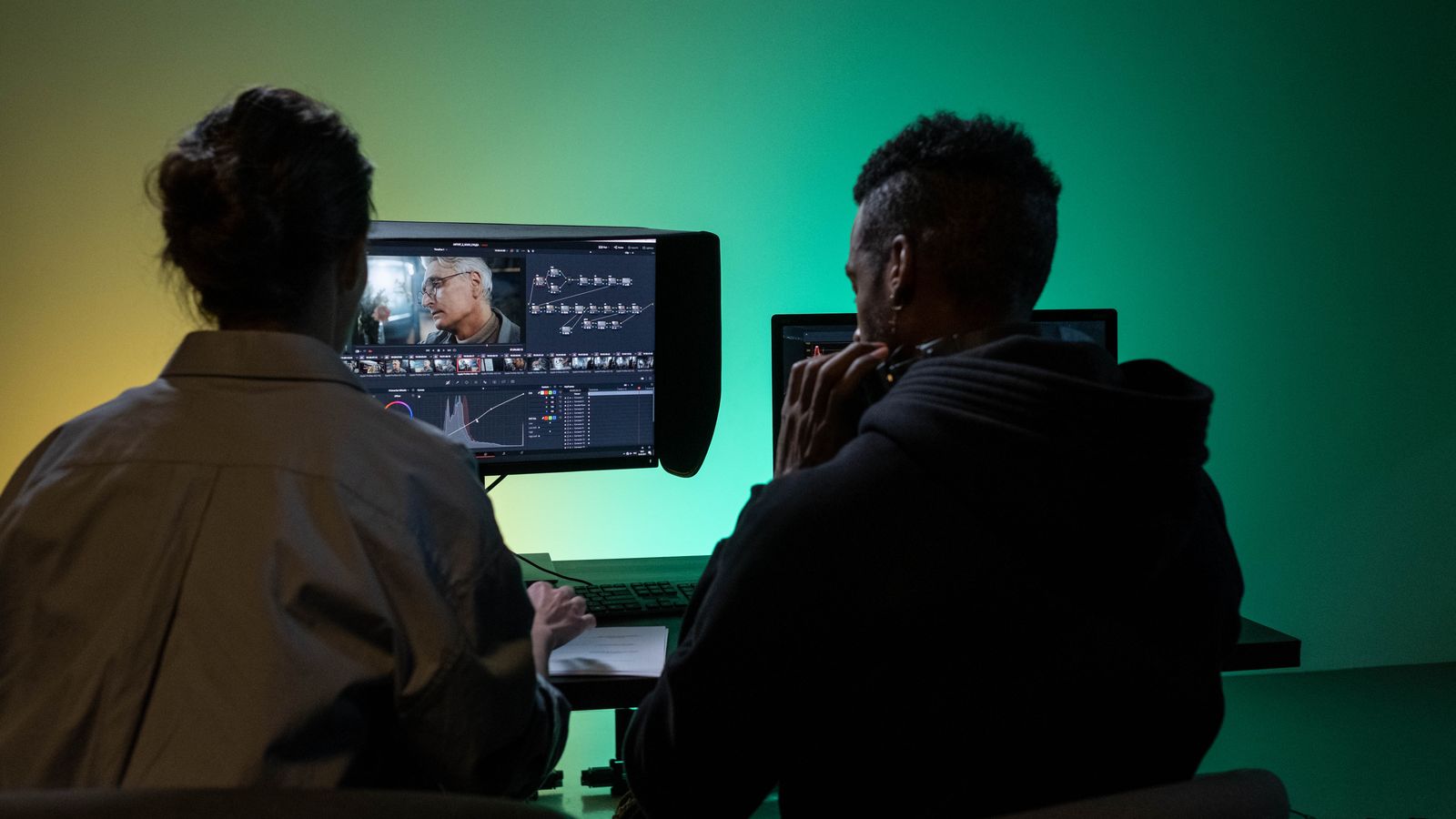
Where the stills hand over to motion
The practical split in an AI-first pipeline is simple: use image models for everything that benefits from being a picture, and video models for everything that benefits from moving.
1. Board the film. Generate the shots as stills. Approve composition, lighting and casting before spending anything on motion. 2. Build the asset set. Lock the product, the character and the look as images you can reuse. 3. Animate the approved frames. Take the stills that survived review and give them movement. 4. Assemble. Cut the clips, add the voice, music and sound effects, and finish.
If you generate your stills in ChatGPT and want to move them, KAMOD's Image-to-Video is built for step three: an approved frame goes in and comes back as footage, with the composition you signed off on.
A few things worth keeping in mind
Generated images carry provenance data. OpenAI states it continues to use C2PA metadata and invisible watermarking to identify images made with its tools. Before delivering generated imagery to a client, know what that means for their disclosure requirements.
Structure your prompts. OpenAI introduced templates precisely because starting from a blank prompt is where most people stall. Pick the closest format, then add the details that matter: what you are making, what information it must carry, and the visual style.
Treat text inside images cautiously. Images that include real-world information are more accurate in this release, but anything you would not sign off without checking is still worth checking.
The bigger picture
Image releases rarely feel like video news, and this one is. Storyboards, concept art, character design and campaign assets are image problems, and they are where the majority of a production's decisions get made. When the image layer gets 50% faster, holds a subject through edits, and produces transparent assets you can composite, the video work downstream gets faster with it.
The tools moved. The discipline did not: decide the film in stills, approve cheaply, and
FAQ
What is ChatGPT Images 2.5?
It is OpenAI's new state-of-the-art image model, announced on September 8, 2026. Compared with Images 2.0 it offers up to 50% lower generation latency, more natural lighting and textures, more precise editing, and better consistency across multiple editing turns. It is rolling out to ChatGPT, ChatGPT Work and Codex users on desktop, mobile and web.
What are GPT-Image-2.5 Flare and GPT-Image-2.5 Sunburst?
They are the two new API models. Flare is the default choice for most applications, delivering higher-quality images than GPT-Image-2 at 50% lower latency, and it suits high-volume generation and rapid prototyping. Sunburst takes longer but gives tighter control across edits, for production-ready campaign creative and polished product imagery.
Can I tell whether an image was made with these tools?
Yes. OpenAI states that it continues to use C2PA metadata and invisible watermarking to help identify images made with its tools. For client and brand work, it is worth knowing this before you deliver generated imagery.
How do AI-generated stills fit into a video workflow?
They replace the expensive part of pre-production. You generate storyboard frames, concept art and campaign assets as stills, approve the direction cheaply, and only then commit to motion. In KAMOD you can take an approved still straight into Image-to-Video and animate it.