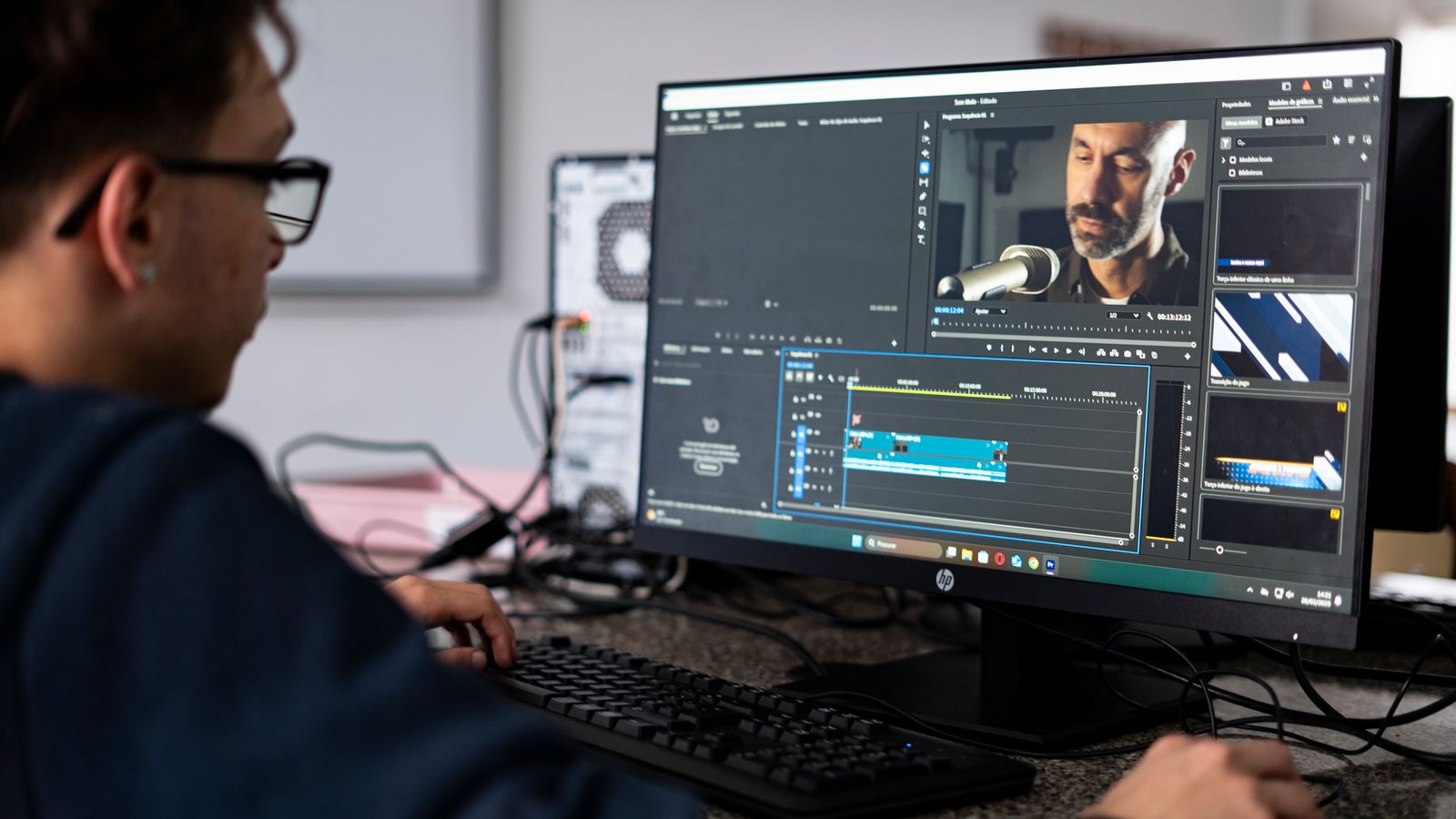
A series of six AI-generated shots arrives from the studio looking, individually, fine. Then someone puts them in a timeline, presses play, and the film falls apart: shot one is warm and flat, shot two is cool and contrasty, shot three has a green cast across the skin, and the product, which should be the same product in every frame, changes shade of red four times. Nothing is broken. Each clip is simply its own little world, and the edit is the first place anyone sees them side by side.
This is the part of AI video that gets discussed least and costs the most rework. Generation tools are asked to invent an image, and they do so with their own idea of exposure, white balance and contrast baked into the pixels. Colour grading is where those separate decisions are turned back into one film. It is unglamorous, it is a few hours of technical work, and it is the difference between a video that looks like an advert and one that looks like a demo.
Here is how we approach it at KAMOD, and what a client should expect to see happening.
The clip arrives already graded, and that is the problem
A camera records a scene and hands post-production a flat, low-contrast file that holds everything the sensor saw. A generative model does not do that. It was trained on finished images, so it gives you a finished look: contrast already applied, a colour temperature already chosen, sometimes a filmic tint already sitting over the whole frame. There is no raw file behind it.
That has two consequences. First, there is less headroom to push. Highlights that were clipped at generation cannot be recovered later, and a shadow that was rendered as pure black has nothing in it to lift. Second, every clip carries its own baked-in look, which is exactly why six shots do not cut together. The temptation is to fix this by cranking saturation and contrast on all of them, which makes the mismatch louder rather than quieter.
The practical answer is to treat each generated clip as if it were a compressed delivery file rather than camera negative: normalise first, gently, and accept that a small amount of information is gone before you start.
Write the delivery spec before you touch a single clip
Grading decisions are cheap to make on paper and expensive to make twice. Before the first shot is generated, we fix four things:
- Colour space and gamma. For web and social delivery this is Rec.709 with the standard sRGB transfer, viewed on a calibrated display. Anything else has to be converted at the end, and conversions on 8-bit footage cost you gradients.
- Bit depth. Most AI tools return 8-bit H.264 or HEVC, some return 10-bit. 8-bit is fine for a finished advert, but it means every correction must be small. A two-stop lift on 8-bit footage produces banding in skies and soft gradients, and a slowly moving AI camera move across a wall is exactly where that shows.
- Resolution and framing. Grading a 1080 by 1920 vertical crop is not the same job as grading a 3840 by 2160 master, because the same amount of noise sits in a much smaller area. We decide the final aspect before the look, not after.
- The look itself, as three reference stills. Not adjectives. Stills. "Warm, cinematic, premium" means nothing; a frame from a film the client likes, a photograph of the product in the right light, and one frame from a previous campaign are a brief.
Three passes, in this order
The order is not a matter of taste. Doing them out of sequence means doing them again.
The first pass is technical normalisation. Every clip is balanced to a common neutral: exposure set so that the mid-grey of a face or a wall lands in the same place, white balance pulled to a single reference, contrast flattened slightly so there is room to build a look. At the end of this pass the film looks dull and consistent. That is the correct result. If it looks exciting at this stage, someone is grading by eye per shot and the sequence will drift.
The second pass is the look: a single set of adjustments applied to the whole film, ideally through one shared node or adjustment layer so it can be changed globally later. This is where contrast curves, a slight colour shift in the shadows, and a controlled roll-off in the highlights are set. One look, applied once, to everything. Sequences that fail usually fail here, because each shot got its own bespoke grade and no two agree.
The third pass is shot matching and repair. Shot by shot, the clips are checked against each other with a reference frame on a second monitor, and the specific defects of generated footage are dealt with: skin tones that drift between takes, a product whose colour changes with the camera angle, edges that ring against a background, and shadows that carry coloured noise where the model was least certain.
The defects that are specific to generated footage
Film and AI video fail differently, and knowing which is which saves hours.
Skin tone is the first tell. A model will render a face convincingly in one shot and give the same face a slightly different undertone in the next, especially when the lighting described in the prompt changed. Graders fix this by isolating the face and matching it to a single reference frame rather than to memory. On a three-shot sequence with a presenter, we keep one frame as the skin reference for the whole film.
Gradients and banding come second. Generated backgrounds are full of smooth ramps, and smooth ramps on 8-bit footage band as soon as you add contrast. Adding a very small amount of dither or film grain is not a stylistic choice here, it is a repair, and it also hides the residual softness that upscaling leaves behind.
Clipped highlights and crushed blacks come third. A generated window or a light source is often already at pure white with no detail, and a black coat is often at zero. Grading cannot invent what is not there, so the fix belongs upstream: if a shot needs a bright window and a dark interior, that has to be described and generated with the range in mind.
Finally there are edge artefacts: halos around hair, a faint outline where a subject meets a background, a shimmer on fine patterns. A grade can soften some of these, but heavy sharpening makes them worse. The honest answer is that a shot with bad edges gets regenerated, not rescued.
A look that survives a series, not just one video
Most clients do not buy one video. They buy a campaign, then another in three months, then a version in Russian and a version in Uzbek. Consistency across that set is a colour management problem before it is a creative one.
We keep a small grading bible per client: the reference stills, the look applied as a reusable adjustment, the delivery specs, and a frame from every approved video. The next job starts from that instead of from scratch, so a shot generated in October cuts against a shot generated in January without a visible seam. It also means a new editor can pick up the account without guessing.
The honest trade-off: a fixed look constrains what a new brief can be. If a client wants to move from a warm, soft look to something cold and hard-edged, that is a rebrand, not a grade, and it should be a decision rather than a drift.
How to review a grade without getting it wrong
Clients review colour on whatever screen is nearest, and then ask for changes that make the film worse on every other screen. Three rules prevent most of that.
Watch on the largest screen available, at normal brightness, with the room not brightly lit. A phone at full brightness in daylight makes everything look duller than it is, so the feedback becomes "make it brighter", and the file ends up overexposed on television.
Judge in context, not in stills. A frame that looks slightly dark on its own often reads correctly in motion, and a frame that looks punchy as a still often reads as oversaturated in a sequence.
Say what is wrong in the terms a grader can act on: "the second shot is greener than the first", "the red of the packaging is too orange", "the shadows on the third shot are crushed". "I don't like the colour" costs a round trip; a comparison costs minutes.
A round of colour notes on a one-minute film is normally absorbed inside the same day. Two rounds are normal. A third round usually means the reference stills were not agreed at the start, which is a conversation worth having before generation, not after.
What we would tell a client before they commission this
Colour grading will not make a weak shot strong. It will make a mismatched set look like one film, it will keep a product the right colour across eight shots, and it will protect skin tones when the same presenter appears in three languages. It cannot recover detail that was never generated, and it cannot fix a shot whose composition or edges are wrong.
If you are planning a campaign, bring the reference stills and the delivery spec to the first call. That single hour removes most of the colour problems that would otherwise be discovered at review, when changes are expensive and the launch date is already set.
KAMOD is an AI video studio in Tashkent working with clients worldwide, and colour is part of the pipeline from the first storyboard rather than a step added at the end. Send us a brief, or a set of stills you like, and we will tell you honestly what the grade can and cannot do for it.