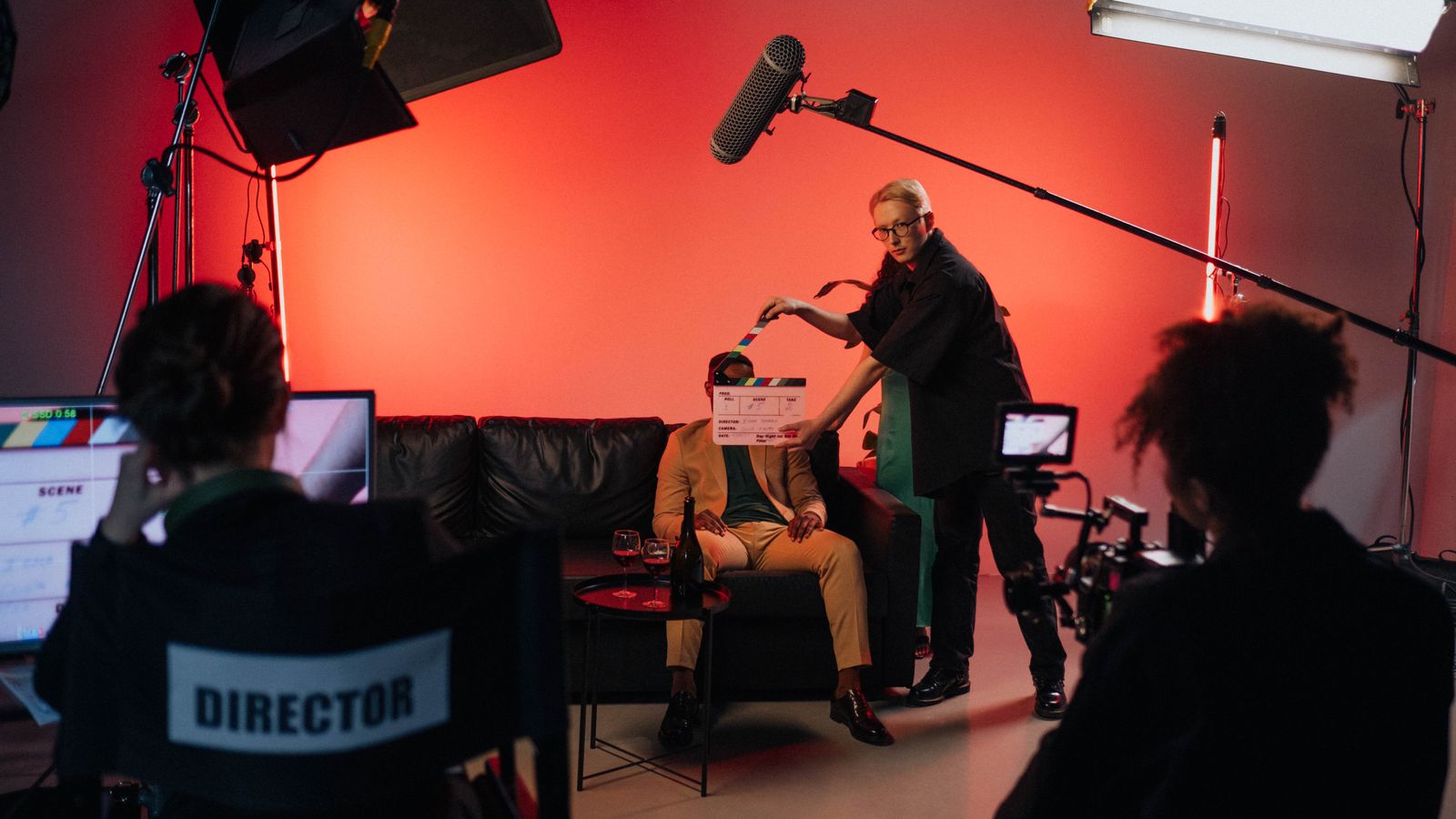
A restaurant in Tashkent approves a forty-second brand film in 16:9. Three weeks later the marketing team needs the same film for Reels, TikTok, Stories and a paid placement in a vertical feed. They ask for a crop. The result arrives and the owner's face is half out of frame, the logo sits under the caption bar, and the hero shot of the dish is now a close-up of a table edge. Nothing was technically broken. The film was simply built for a different shape.
This is the most common delivery failure in AI video work, and it is almost always a planning failure rather than a production one. Vertical and horizontal are not the same film in two containers. They are two different compositions with different rules for where the subject sits, how much room the frame has, and how long a shot can hold attention. Below is how we handle it in the studio, and what to decide before the first frame is generated.
What the aspect ratio actually changes
A 16:9 frame is 1920 by 1080 pixels, a landscape rectangle. A 9:16 frame is 1080 by 1920, the same rectangle turned on its side. The area is identical, but the usable area is not.
In landscape, the frame has width for two subjects, for a room, for a product on a table with context around it. The eye travels left to right, which is why horizontal cuts tolerate longer shots and slower moves. In vertical, the frame is a column. One subject, centred, with the environment implied above and below. Anything placed at the left or right edge is effectively gone, because a thumb covers it and the platform interface eats the margins.
The practical consequence: a composition that works in landscape rarely survives a crop. Wide establishing shots lose their purpose, group scenes lose half the group, and text placed in the corners becomes invisible. Vertical does not want a wider version of the same idea. It wants a tighter one.
Three ways to get a 9:16 cut, and what each costs
Reframe from the master. If the original was shot or generated with vertical in mind, the shot has enough headroom and the subject is centred enough that a crop works. This is the cheapest option and the one we try first. It fails when the subject drifts toward an edge, when two people share the frame, or when the key prop sits low and right.
Extend the frame. Modern generation tools can outpaint or reframe a shot, adding image above and below what exists. It works well on static or slow shots with a single subject and a simple background. It fails on fast motion, on hands, and on complex geometry, where the model invents plausible but wrong detail at the edges. We test one shot before committing a sequence.
Regenerate for vertical. The honest answer for most hero shots. Generate the sequence natively at 9:16 with the composition built for the column. It costs another generation pass and another round of selection, and it is the only route that gives a genuinely vertical film rather than a cropped landscape one.
In practice a project ends up mixed: two or three shots regenerated, the rest reframed. Budget for that from the start and it is a routine cost. Discover it after approval and it becomes a change order.
Safe zones are the real specification
Every vertical platform overlays its own interface on the picture. The top of the frame holds the account name and status bar, the bottom holds the caption, the music line and the action buttons, and the right edge carries a column of icons. On a 1080 by 1920 canvas we treat roughly the top 220 pixels, the bottom 420 pixels and the right 140 pixels as soft margins.
That leaves an effective safe area of about 940 by 1280 pixels in the middle. Logos, faces, subtitles and product details must live there. Everything else is decoration that may be covered.
Horizontal delivery has the same problem in a milder form: broadcast and YouTube overlays at the bottom, end cards, and the platform scrubber. A 16:9 film with the call to action in the last eighty pixels of the frame is a film whose call to action is hidden.
Captions and text behave differently in each format
In landscape, a lower third sits comfortably across the bottom and reads as professional. In vertical, a lower third competes directly with the platform caption and the two become unreadable together. We move text to the upper third or centre it, and we burn captions in rather than relying on the platform.
Caption size is not transferable. A 48-pixel subtitle that reads well on a 1920-wide landscape frame is too small on a 1080-wide vertical one once the phone scales it down. We set caption size as a percentage of frame height, usually between four and five percent, and check it on a phone at arm's length rather than on a monitor.
Burned-in captions also fix a delivery problem: a vertical cut with embedded text looks identical everywhere, while a sidecar subtitle file is often ignored by the platform.
File specifications we actually deliver
The delivery spec matters because most disappointing vertical cuts are not badly composed, they are badly encoded. What we hand over:
- Vertical master: 1080 by 1920, H.264, 25 or 30 frames per second matched to the source, 10 to 12 Mbps, audio AAC at 192 kbps.
- Horizontal master: 1920 by 1080, same codec family, 12 to 16 Mbps for anything with grain or fast motion.
- Square and 4:5 variants when a feed placement needs them, generated from the vertical master rather than the horizontal one, because the vertical master is already tighter.
- A textless version of both, so the client can localise without regenerating.
- A clean version with no captions, for platforms that add their own.
Two details that cause most of the arguments: frame rate must not be converted after the fact, and audio loudness should be normalised to around minus 14 LUFS for social, because a film mastered for cinema playback sounds quiet in a feed.
What to decide before generation starts
If a client tells us at the brief stage that the film has to work in both shapes, the production changes. We compose with a centre-safe core, keep the key action inside a 9:16 window even in the landscape master, avoid text in the outer thirds, and design shots that survive both crops. It costs nothing extra at that stage and saves a regeneration pass later.
The reverse is expensive. A film built entirely for landscape, with wide establishing shots and text in the corners, cannot be made vertical without either regenerating the hero shots or accepting a visibly compromised crop.
The short version
Vertical is a delivery format, but it is also a compositional decision, and it has to be made early. Decide the shapes at the brief, generate the hero shots natively in the primary shape, keep a centre-safe core, respect the platform safe zones, burn captions in, and deliver textless masters alongside the finished films. A studio that asks which shapes you need before generation is a studio that has done this before.
If you are planning a campaign that has to run in both feeds and full-screen placements, send KAMOD the placement list with the brief. We are an AI video studio in Tashkent working with clients worldwide, and we will tell you which shots need regenerating and which can be reframed before any generation credits are spent.